
Universal Import
Pull products from AliExpress, CJ, Taobao, 1688, or any Shopify store — priced, branded, and store-ready in seconds.
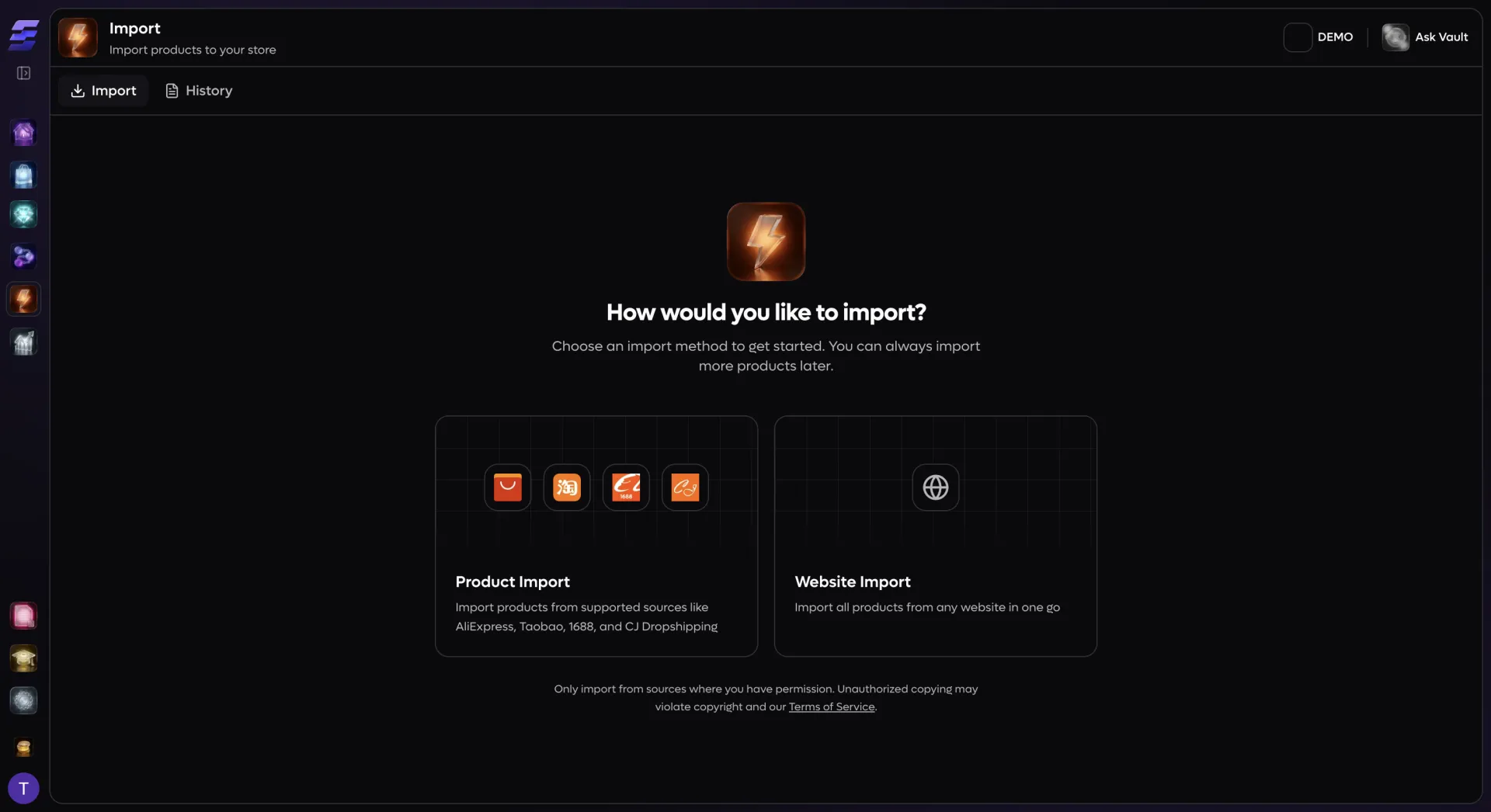
One wizard for every source
Stop switching between browser extensions, supplier dashboards, and spreadsheets. Universal Import gives you a single two-step wizard that works with AliExpress, CJ Dropshipping, Taobao, 1688, and any Shopify-powered store. Paste a product URL, and EcomVault fetches the full listing — images, variants, pricing, specifications, and inventory — directly from the source API. A live preview card appears instantly so you can verify what you are importing before committing. Need an entire collection? Switch to Website Import mode, paste any store's collection URL, and EcomVault pulls every product in that collection at once. Filter by vendor, product type, or availability, cherry-pick the ones you want, and move to configuration — all within the same flow.
Smart import settings that work for you
Multi-store batch import at scale
Select two, five, or all of your connected stores and import the same products to every one of them in a single operation. Each store can have its own template overrides and settings overrides, so a product imported to your US store gets American English copy with USD pricing while the same product imported to your EU store gets localized content with EUR pricing and VAT included. Batch imports use idempotency keys to prevent duplicates — if your browser refreshes mid-import, EcomVault picks up where it left off instead of creating duplicate jobs. A dedicated Import History dashboard tracks every job and every batch with live status updates. Filter by source, status, or store. Drill into any batch to see individual job progress, retry failed imports with one click, or cancel jobs that are no longer needed. Real-time notifications keep you informed as each product moves through the pipeline — fetching, normalizing, processing, completed.