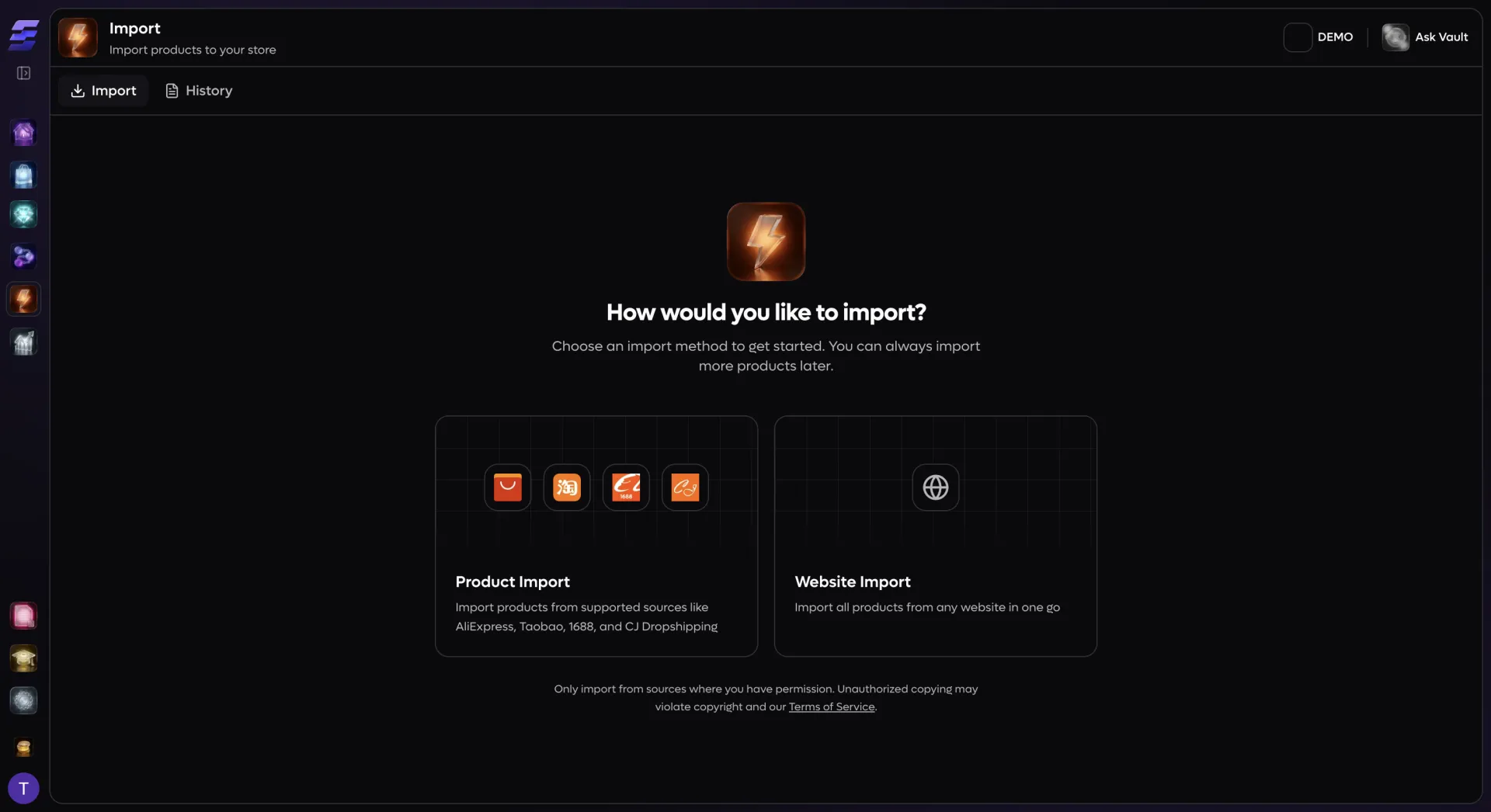
Finding and importing products is the first bottleneck every dropshipper hits. EcomVault eliminates it entirely. Paste a product URL from AliExpress, CJ Dropshipping, Taobao, 1688, or any Shopify-powered competitor store, and our scraper network fetches the full listing — images, variants, specifications, pricing, and inventory levels — directly from the source API. Need to build a catalog fast? Use Website Import mode to pull every product from a supplier collection page at once, filter by vendor or category, cherry-pick winners, and import them in a single batch. CJ Dropshipping users get an even deeper integration: browse CJ's entire product catalog from inside EcomVault with keyword search, category filtering, warehouse availability, and inventory-level queries — all cached for instant results. Multi-store sellers import the same products to every connected Shopify store in one operation, with per-store pricing and content overrides applied automatically. Idempotency keys prevent duplicate imports, so even a network hiccup mid-batch cannot create duplicate listings.
Turn supplier data into branded product pages
Raw supplier listings kill conversion rates. Machine-translated titles, keyword-stuffed descriptions, and inconsistent formatting make your store look like every other dropshipping site. EcomVault transforms supplier data into polished, brand-consistent product pages the moment products enter your catalog:
AI-generated titles and descriptions: Every imported product passes through your Brand Book content templates. EcomVault generates optimized product titles, rich HTML descriptions, SEO meta titles, meta descriptions, and FAQ sections — all shaped by your brand voice, tone, and target audience.
Automatic currency conversion: Source prices in CNY, USD, or EUR are converted to your store currency using live exchange rates, then multiplied by your configured markup. Set a retail price multiplier and a separate compare-at price multiplier per source — AliExpress products get a 3x markup while CJ items get 2.5x — with six rounding modes (.99, .95, nearest, up, down, or none) so your prices always look intentional.
AI product analysis: A vision model analyzes up to five product images to extract material, color, pattern, and category attributes — giving the content generator real context about what the product actually is, not just what the supplier title says.
Auto-categorization: After import, AI assigns products to your existing Shopify collections based on product attributes and images, so new products appear in the right categories without manual sorting.
SEO-optimized alt text: Every product image receives AI-generated alt text optimized for accessibility and search engines — no more blank alt tags or copied supplier filenames.
Variant splitting: When a supplier lists one product with color and size options, Split Variants mode breaks it into separate listings — a dress in three colors becomes three products, each with its own size variants, images, and SEO-optimized titles.
Tag inheritance and cleanup: Copy useful supplier tags automatically, or let your import rules strip them out and apply your own tag taxonomy instead.
Automate your entire post-import pipeline
Dropshipping at scale is not just about importing — it is about what happens next. EcomVault's visual workflow engine lets you build automated pipelines that fire the moment a product is imported or added to a staging group. No code, no Zapier, no duct tape:
Import-triggered workflows: Set a workflow trigger to fire on `product_import` and every product that enters your catalog automatically runs through your entire post-import pipeline — content generation, image enhancement, Shopify sync — without manual intervention.
AI image generation and editing: Add image blocks to your workflow to generate product photoshoots, remove backgrounds, upscale low-resolution supplier images, or create lifestyle scenes using AI models — all with prompt templates you control.
AI video generation: Turn static product images into short product videos with a video block node, ready for social media or your Shopify storefront.
Conditional logic: Route products through different workflow branches based on price, product type, vendor, or any product attribute. High-ticket items get premium lifestyle shoots while budget products get clean white-background renders.
Staging groups for launch planning: Group imported products into staging batches with target launch dates. When you are ready, push an entire collection to Shopify in one operation, fully content-generated and media-enriched.
One-click Shopify sync: The final workflow step pushes the finished product — title, description, variants, images, options, SEO metadata, and metafields — directly to your connected Shopify store. Checksum-based change detection ensures only modified fields are updated, keeping sync jobs fast and within Shopify's API rate limits.
Track orders and protect your margins
Sourcing products is half the battle — fulfilling orders profitably is the other. EcomVault gives dropshippers the tools to stay on top of supplier orders, pricing, and performance across their entire operation:
Supplier order dashboard: Track orders across CJ Dropshipping and FFOrder from a unified dashboard with status filtering — awaiting order, awaiting payment, paid, fulfilled, refunded, cancelled, or on hold. Every order shows product details, cost, revenue, and real-time fulfillment progress.
Visual shipment tracking: A live map plots active shipments from supplier warehouses in Dongguan, Zhengzhou, and Yiwu to customers worldwide, with animated shipping routes so you can see your supply chain at a glance.
Profit and margin visibility: Every supplier order displays cost, revenue, and calculated profit and margin percentage — so you know exactly how much you are making on each sale, not just how much you are selling.
Order-to-product linking: Shopify orders are automatically linked to their source store products and variants in EcomVault's database, giving you a complete view from supplier cost to customer sale without spreadsheet reconciliation.
Supplier support integration: Open and manage support tickets with your suppliers directly from EcomVault — no need to log into separate supplier dashboards to dispute a shipment or request a replacement.
Financial status tracking: Monitor the full order lifecycle — pending, authorized, partially paid, paid, partially refunded, refunded, or voided — synced from Shopify webhooks so your dashboard always reflects reality.